01
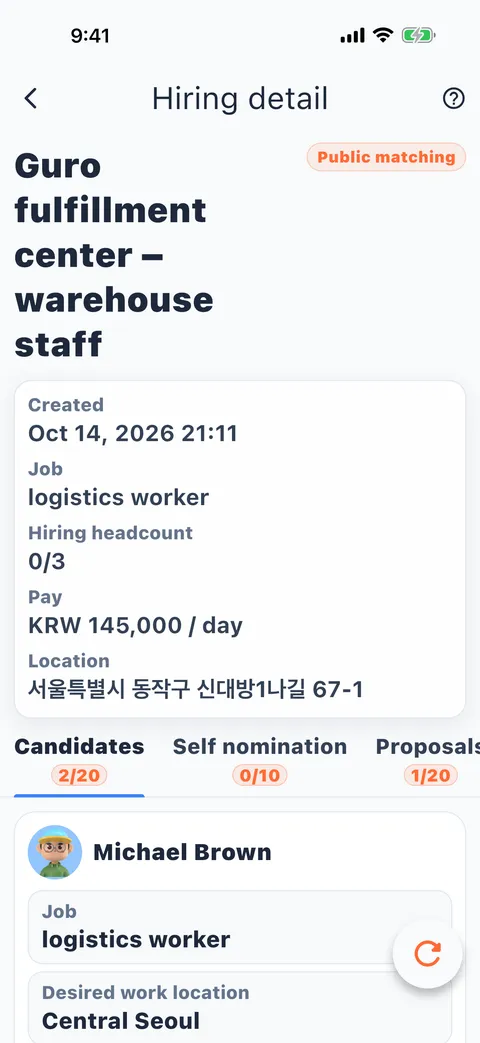
Matched candidates, automatically
Candidates matched by job, area and desired pay, ready to view.
Hiring and job seeking, matched both ways automatically.
Employers post jobs, job seekers say what they want, and the system pairs them by job, area, pay and work type. Conditions are compared item by item, and when someone fits, a time-limited proposal is one tap away. The home screen also shows the market for the last 6 hours.
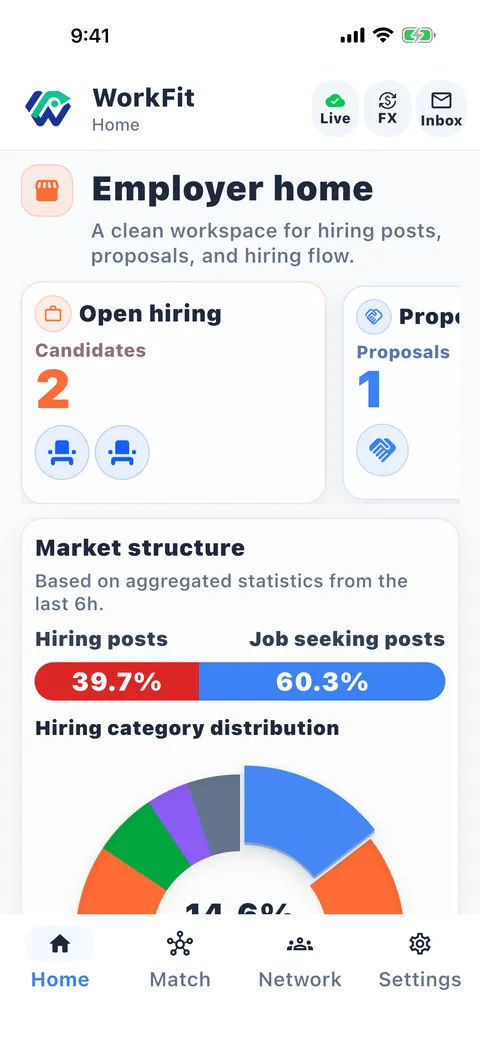
In one app, employers browse candidates and job seekers browse jobs. The system compares both sides' conditions item by item.
Candidates matched by job, area and desired pay, ready to view.
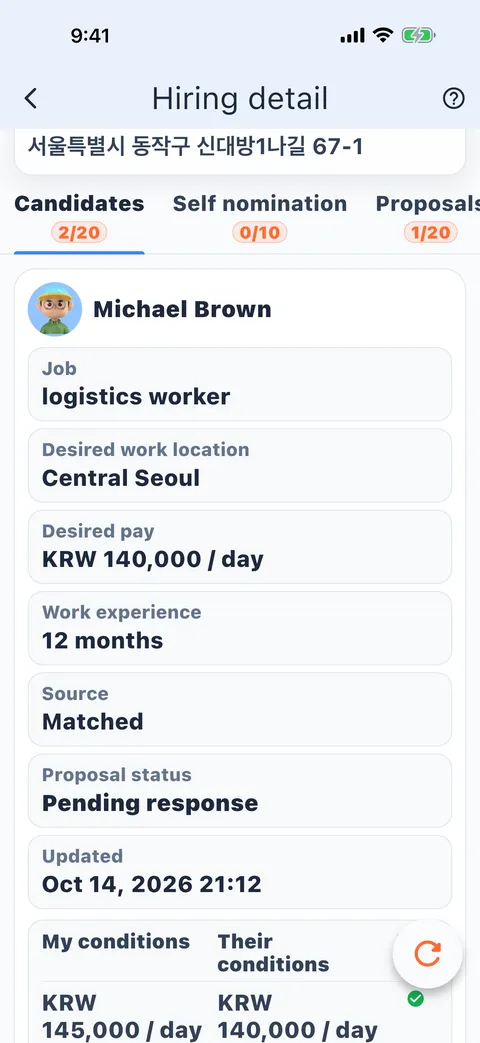
Pay, work type, job and area, checked item by item.
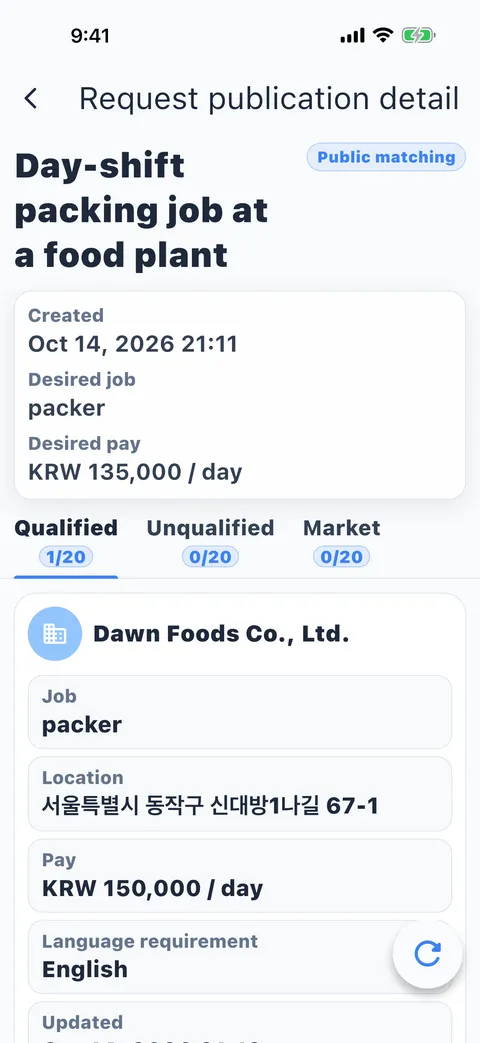
Job seekers just add their desired job and pay; the system recommends postings that meet their conditions.
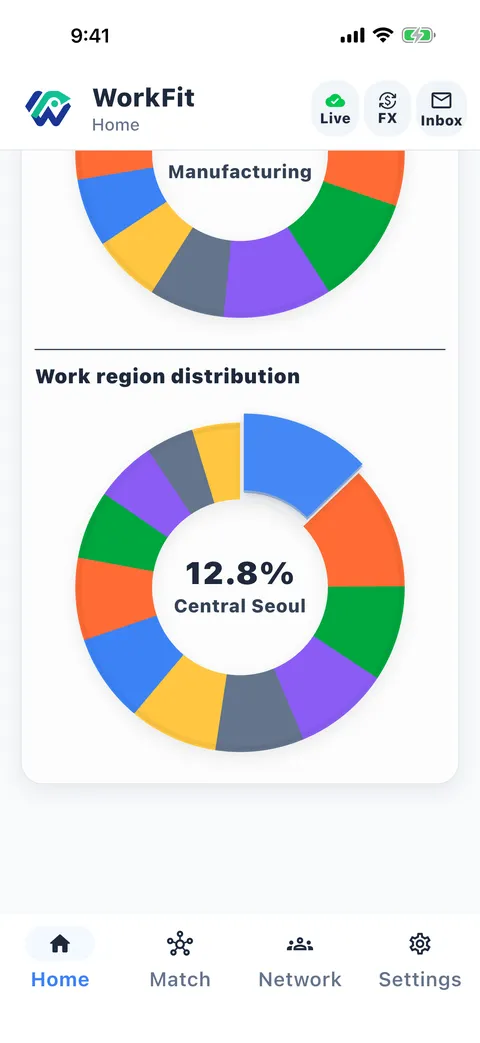
Hiring and job-seeking stats from the last 6 hours.
WorkFit's ChatGPT and Claude plugins are live. Once connected, the AI can read your job requests, the jobs that fit you and the proposals you've received, and help you draft new requests.
Draft a request for a kitchen helper job in Seoul, paid monthly
draft_job_requestDrafted with your conditions. Two job categories are close, which one do you want?
Now show me jobs that fit
list_qualifiedHere are the jobs that match your conditions…
Illustration, not a real screenshot
Add the WorkFit plugin in ChatGPT or Claude and sign in to your account.
Say in your own words what job you want, where, and how you'd like to be paid. The AI turns it into a request.
The AI reads the jobs WorkFit matched for you and the proposals you've received, and goes through them with you.
The AI can only draft. It can't post, apply or accept proposals for you.
Store screenshots are captured and checked separately for every language and device.